
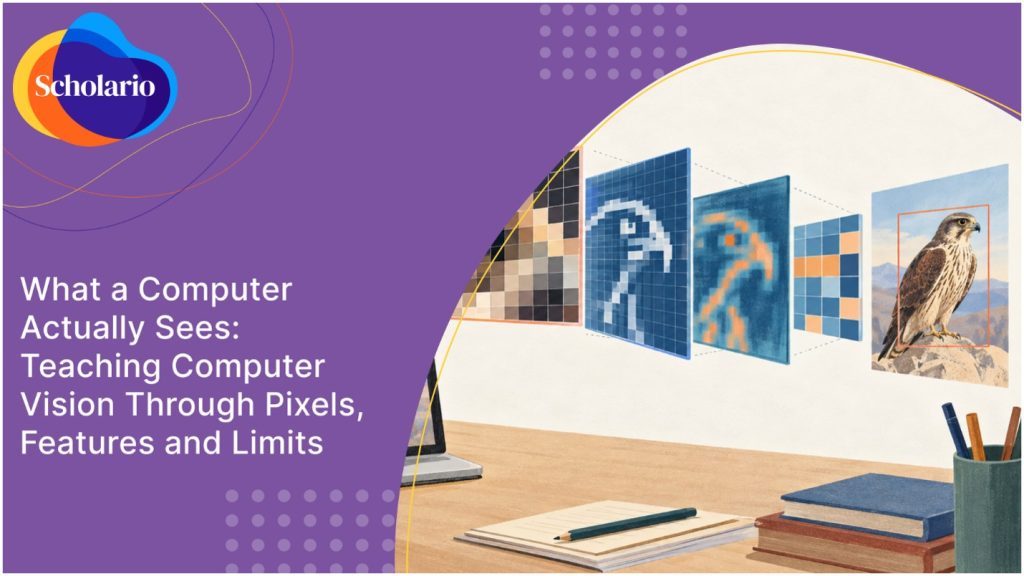
Take a photograph of a falcon. You see a bird. A computer sees a grid of numbers, one per pixel, each saying how bright that spot is.
That single fact changes how students think about “AI vision.” There is no eye and no understanding. There is arithmetic on a grid, and once students see it, they can also see why it sometimes fails.
From pixels to a decision
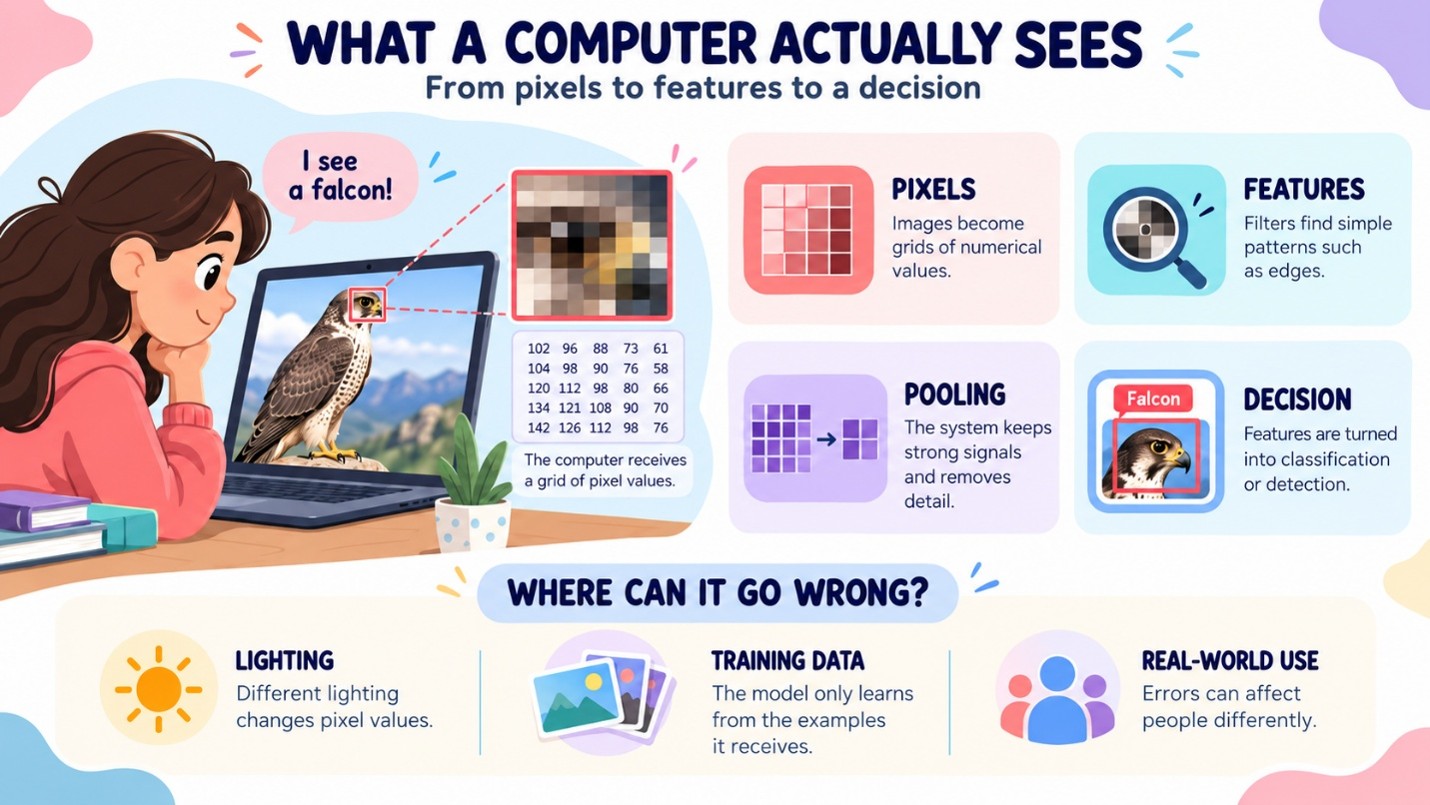
It starts with pixels. A computer stores an image as a grid of numbers, and each number says how bright one tiny spot is. Students can open a small grid and read the values themselves. They also see the first weakness: change the lighting or the camera angle, and the numbers change, even though the object is the same.
Next come features. A filter is a small grid of numbers that slides across the image. At each position it gives one result, and together these results make a feature map. Students can do this by hand by stepping a 3×3 filter across an 8×8 patch of an image. A simple filter finds edges. It does not find meaning, and that is worth saying out loud in class. In real image networks, the filters are learned during training, not designed by hand.
Then the network shrinks the results through pooling, which keeps the strongest signals and drops the rest. Students can compare an image before and after. The cost is that some detail is lost.
After that, the later layers turn these features into a decision. The decision can be a single label for the whole image, which is classification. Or it can be a location for each object, which is detection. Students should be able to tell the two apart. The limit at this stage is that the model only knows what it was trained on. If it never saw a certain kind of example, it has nothing to go on.
Last, the system is used in the real world, on cameras and photos. This is where students should ask who decided where the lens points and who is affected when the system gets it wrong. Errors do not cost the same for everyone, and that is the point where the technical lesson becomes an ethical one.
Why limits belong in the lesson
A student who only sees a demo that works will assume it always works. That is the risk with computer vision, where demos are impressive and failures are quiet.
What the source says
NIST’s 2025 report on adversarial machine learning states that AI and machine learning technologies “remain vulnerable to attacks.” It covers evasion, poisoning and privacy attacks on predictive AI systems, and says the consequences become more serious in high-stakes domains.
Vision limits are not only about blurry photos. Some are deliberate: an evasion attack changes an input so the model gets it wrong. Students do not need attack techniques. They need one idea: works in the demo is different from works everywhere. Two things follow from that:
- Teach what the model was trained on, because it can only recognise what it has seen. That takes us back to training data.
- Teach how to measure errors, not just successes, as in evaluating classifier errors.
If a student can name every layer of a CNN but cannot say when it would fail, have they learned computer vision or memorised a diagram?
The question about the lens
Vision systems watch people. A good unit therefore asks who decides where cameras point and who is affected by the mistakes. That leads to algorithmic bias in image systems, and it also shows why explaining neural networks with small models is a useful earlier step.
FAQs
Do students need matrix maths?
Only simple arithmetic. In the Grade 7 activity, students read out the nine products from one filter position. No advanced matrix maths is required.
What is the difference between classification and detection?
Classification gives one label to the whole image. Detection finds objects in the image and says where each one is. Grade 7 outcomes include telling them apart.
Do students train their own vision model?
Not in Grade 7. The YOLOv8 demo runs pre-run inference. Fine-tuning a MobileNet on a 60-image dataset comes in Grade 9.
Is surveillance too heavy a topic for this age?
The curriculum handles it through a concrete case (camera density in Dubai) and a question students can reason about: who decides where lenses point? That keeps the discussion grounded rather than abstract.